 Illustration
The network under everything
Lights, cameras, shades, music, the gate and every phone in the house run on one network. AudioWorks designs it for the size of an estate, wires it, and manages it after move-in.
Under our management across Utah today.
Routers, switches and access points we look after.
Guaranteed response on Signature, our top AWCare plan. Remote support runs 24/7 on every plan.
The year we started outfitting Utah homes with tech.
 Illustration
Why off the shelf falls short on an estate
- Walls stop Wi-Fi. Stone, brick and concrete cut the signal, and long wings put rooms far from any one box. An estate needs an access point in each zone.
- The house runs on it. Cameras, lighting control, shades, music, the gate and the thermostats all use the network. A weak spot shows up as a camera that will not load or music that drops.
- Every access point on a wire. Each one has its own Cat6A cable back to the rack. No access point depends on a wireless link to another.
- Grounds and outbuildings. Fiber reaches the guest house, the barn and the gate. Access points made for outdoor use cover the patio and the pool.
- A team on call. You look after a store kit yourself. Ours reports to our office, and AWCare sets how fast we answer.
Wi-Fi changes every few years
Five versions of Wi-Fi have come out since 2009, and the next is in the works. The access points change with each one. We design the cable and the rack to outlast them. Tap one to see what changed.
Wi-Fi 4
IEEE 802.11nWhat changed
Several antennas at each end, on the 2.4 and 5 GHz bands.
What it asks of the house
The 2.4 GHz band carries far, and many devices share it. We still use it for smart-home devices, on a network of their own.
Wi-Fi 5
IEEE 802.11acWhat changed
Wider channels on 5 GHz, rated at up to 1.3 gigabits per second.
What it asks of the house
5 GHz loses more signal through walls than 2.4 GHz. Coverage moves from one router to an access point in each zone, each on a cable to the rack.
Wi-Fi 6
IEEE 802.11axWhat changed
Made for crowds. An access point can serve several devices in the same moment.
What it asks of the house
Cameras, keypads, speakers, TVs and every phone share the same air. We place and size the access points for the devices in each zone.
Wi-Fi 6E
Wi-Fi 6 at 6 GHzWhat changed
A new band. In April 2020 the FCC opened 1,200 MHz at 6 GHz to Wi-Fi.
What it asks of the house
6 GHz carries the shortest distance through walls of the three bands. The access point has to be in the room it serves, or close to it.
Wi-Fi 7
IEEE 802.11beWhat we install todayWhat changed
Channels twice as wide at 6 GHz, and one device on more than one band at the same time.
What it asks of the house
A multigigabit access point needs a multigigabit cable behind it. We run Cat6A to each one. It carries 10 gigabits per second up to 100 meters.
Wi-Fi 8
IEEE 802.11bnIn the worksWhat changed
In the works under the name Ultra High Reliability. The IEEE working group predicts final approval in 2028.
What it asks of the house
New access points go up in the same places, on the same cable, into the same rack. We plan the wiring for that swap now.
What goes into an estate network
A rack of its own
The network sits at the top of the rack, on its own 20-amp circuit. A battery backup sized to the full load carries it through a power blink, and surge protection covers every piece.
A cable to every access point
One Cat6A cable runs from the rack to each access point. Cat6A carries 10 gigabits per second up to 100 meters.
Fiber between buildings
The guest house, the barn, the pool house and the gate link to the main rack on fiber. Outdoor runs go in conduit, in gel-filled cable.
Our router on the internet line
Even when a building or HOA supplies the service, we put our own router behind it. It is the one we can manage and update from the office.
Separate networks
Guests get a network of their own, and so do the smart-home devices. Past 100 devices, we split cameras, control and family too.
A name on everything
Every cable carries a label for its system, room and device. Every port and address has a name in the network software, so the next tech reads the house from the screen.
A team behind the network
Every network we manage reports to our office: what is online, what is not, and what needs an update. Your AWCare plan sets how fast we answer and how often we come out.
Essentials+
- Remote firmware updates once a year
- Remote appointments and priority scheduling
Priority
Everything in Essentials+, plus:
- Advanced support on urgent issues within 2 business days
- One tech review a year at the house
- Night and weekend appointments, when available
Proactive
Everything in Priority, plus:
- Proactive system monitoring
- Two tech reviews a year at the house
- Preferred labor rates
Signature
Everything in Proactive, plus:
- Remote firmware updates twice a year
- Advanced support on urgent issues within 1 business day
- Skip the line, every time
Every plan includes 24/7 remote support by phone and email. Ask us which plan fits the house.
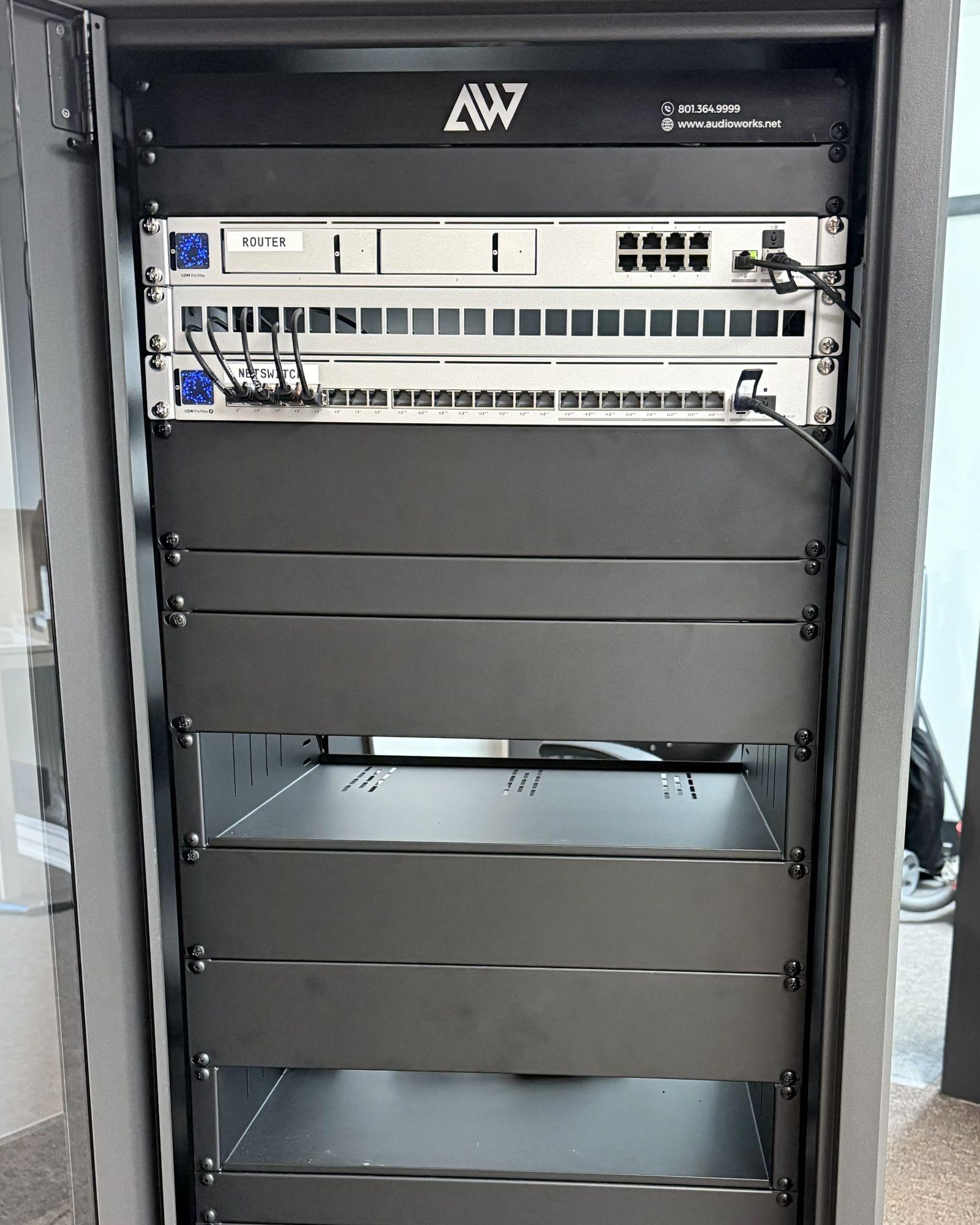 Photo: AudioWorks
From the plans to move-in, and after
We read the house
We walk the plans or the house: the walls, the wings, the other buildings and the grounds.
We design the network
We place the rack, every access point and the fiber, and give you a real number.
We wire and build
The cable goes in before drywall. The rack is built in our shop and runs there before it comes to the house.
We stay on it
At trim, the access points go up and the rack goes in. After move-in, AWCare keeps us on the network.
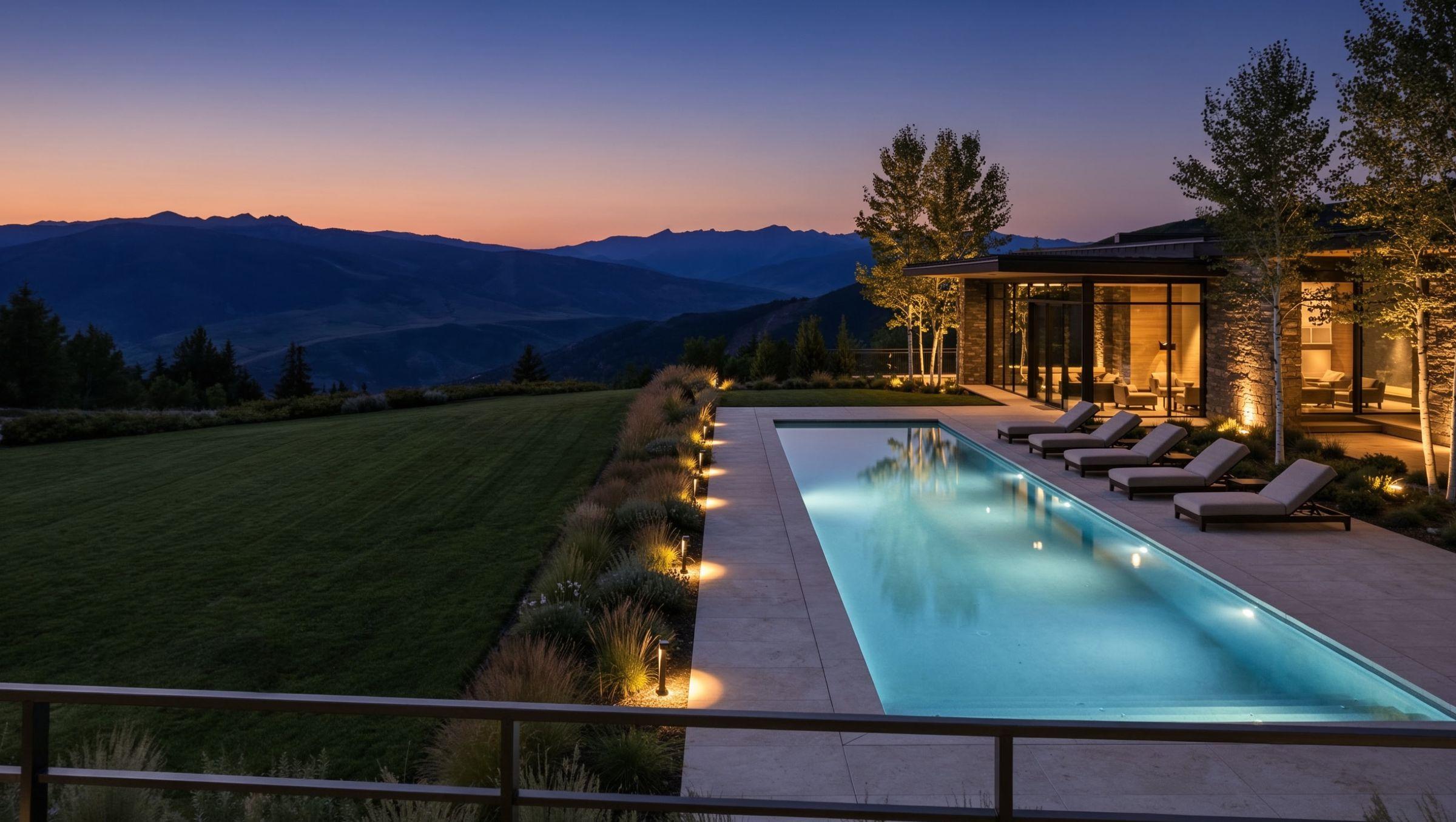
Plan the rack room before framing
The rack room, the conduit to each building and the cable to every access point go on the drawings. After drywall, each one means opening a wall.
How we work with buildersCommon questions
How is an estate network different from a Wi-Fi kit from the store?
A store kit is one box and a few satellites that one person sets up. An estate network has a rack, a wired access point in each zone, fiber to the other buildings and a team that manages it. AudioWorks designs it from the plans, wires it, and looks after it from our office.
Why not use the router from the internet company?
We put our own router behind the internet line on every job, even when a building or HOA supplies the service. That router is the one we can manage, update and see from our office.
What is Wi-Fi 7?
Wi-Fi 7 is the newest Wi-Fi generation, IEEE 802.11be. The Wi-Fi Alliance began certifying devices on January 8, 2024. It doubles the widest channel to 320 MHz at 6 GHz and lets one device use more than one band at the same time. Wi-Fi 7 access points are what AudioWorks installs today.
What is Wi-Fi 8, and should I wait for it?
Wi-Fi 8 is the next generation, IEEE 802.11bn, under the name Ultra High Reliability. The IEEE working group predicts final approval in 2028. Do not wait. We plan the cable and the rack so a new access point goes up in the place of the old one.
What does AudioWorks manage after the install?
Every network we manage reports to our office. We see which devices are online, which need an update and how the internet line is doing. We have more than 140 networks and more than 600 routers, switches and access points under our management across Utah.
How much does an estate network cost?
We quote each network from the plans or a walk-through. The size of the house, the other buildings and the outdoor areas set the scope. You get a real number after the first visit.
 Illustration
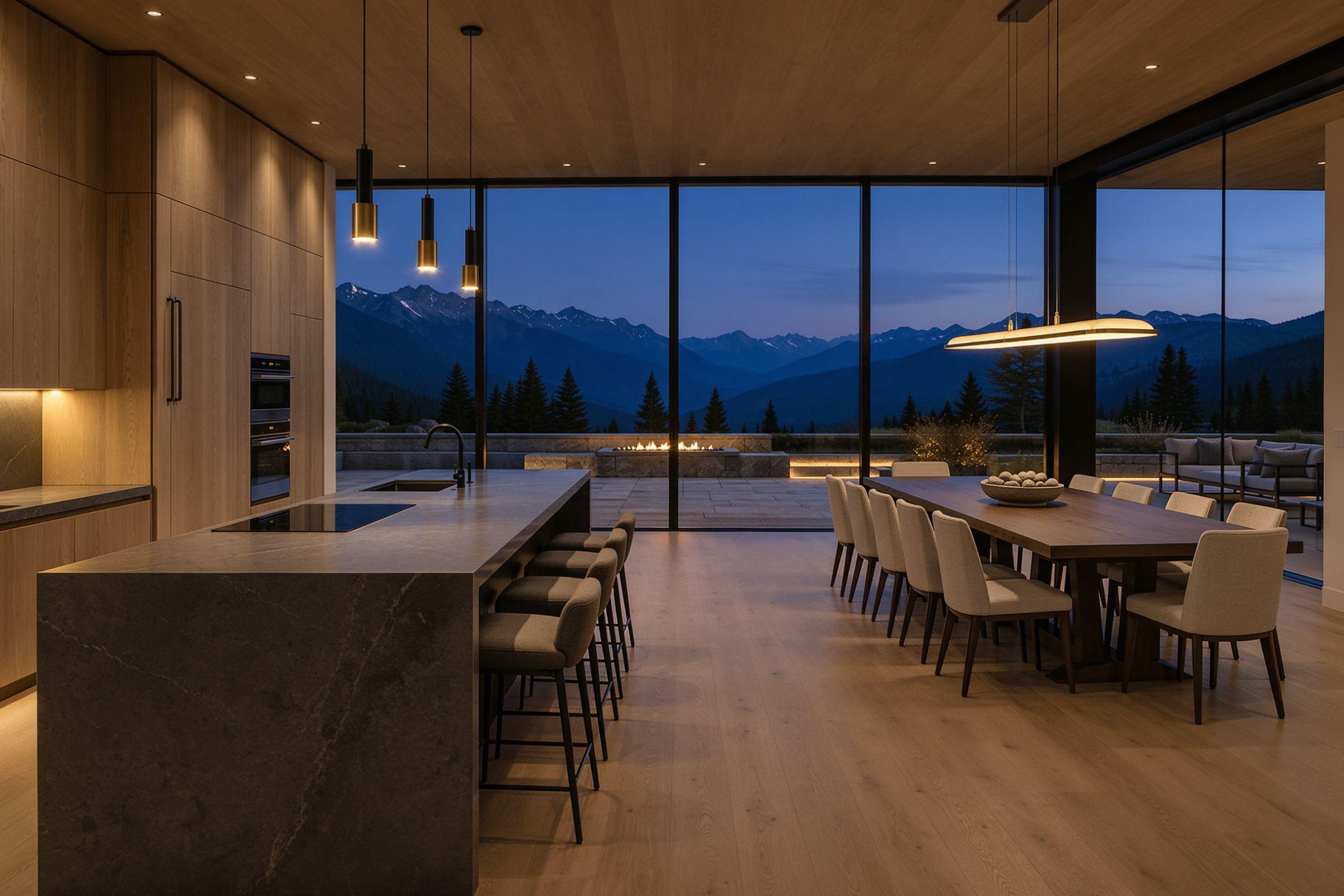
A network for the home you live in
For homeowners
What it takes to cover the house and the grounds, how we look after it, and how to start.
Start here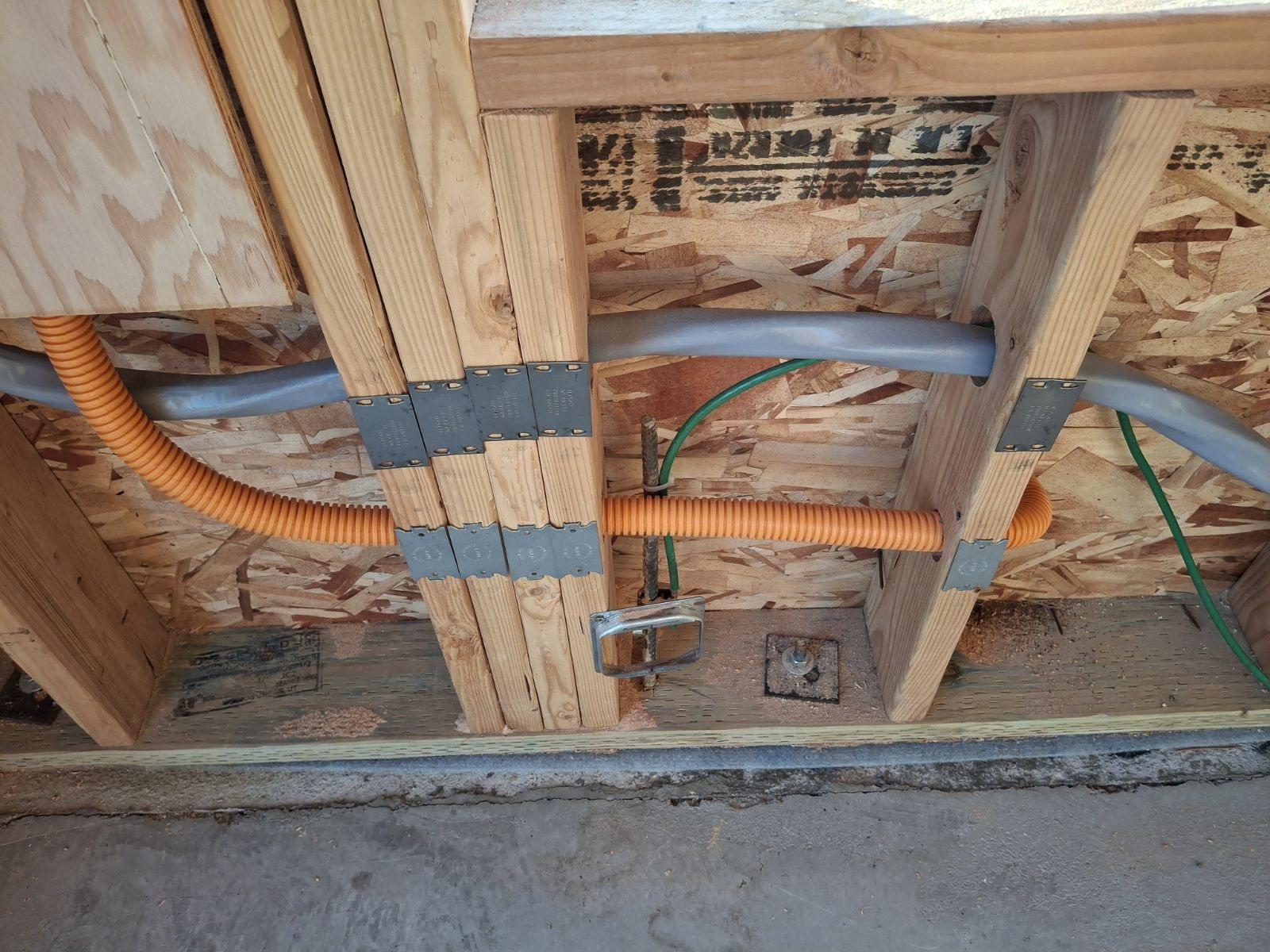 Photo: AudioWorks
Put the network on the drawings
For builders and architects
We mark the rack room, the cable paths, the access points and the fiber, then pull the cable at rough-in.
Work with us